

Watch this BTS breakdown of how we captured the FIN Forum for our client Asset TV, then dive into what was really happening under the hood: the trade-offs, technical decisions, and the ROI thinking that went into ‘neutering’ a camera on purpose.
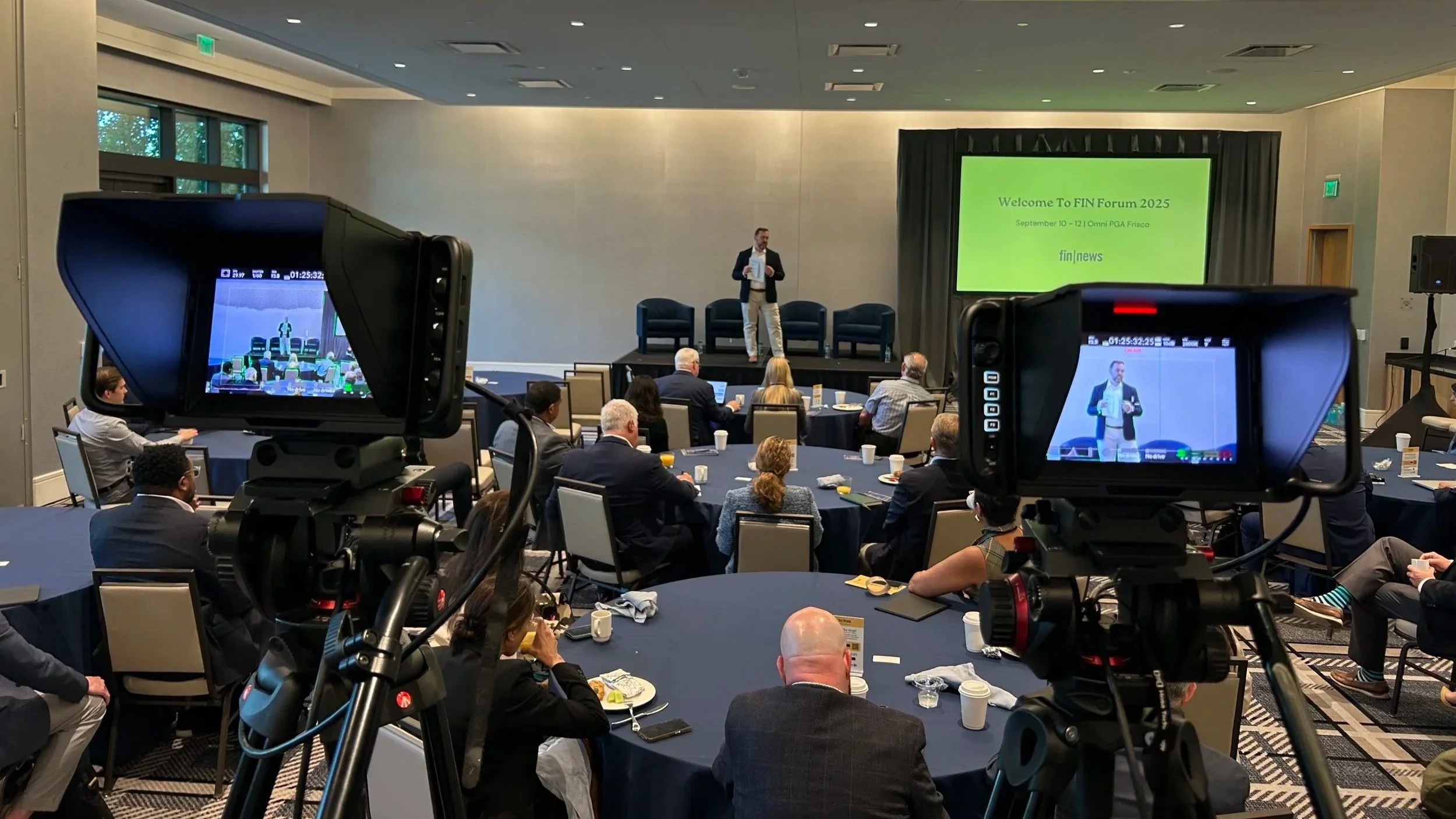
The brief: two rooms, three cameras each, plus floor interviews, all day
The FIN Forum was a multi-day financial conference in Frisco, TX. Our client needed:
Every session in two separate rooms covered
Three cameras per room to give editors flexibility: wide, presenter, audience
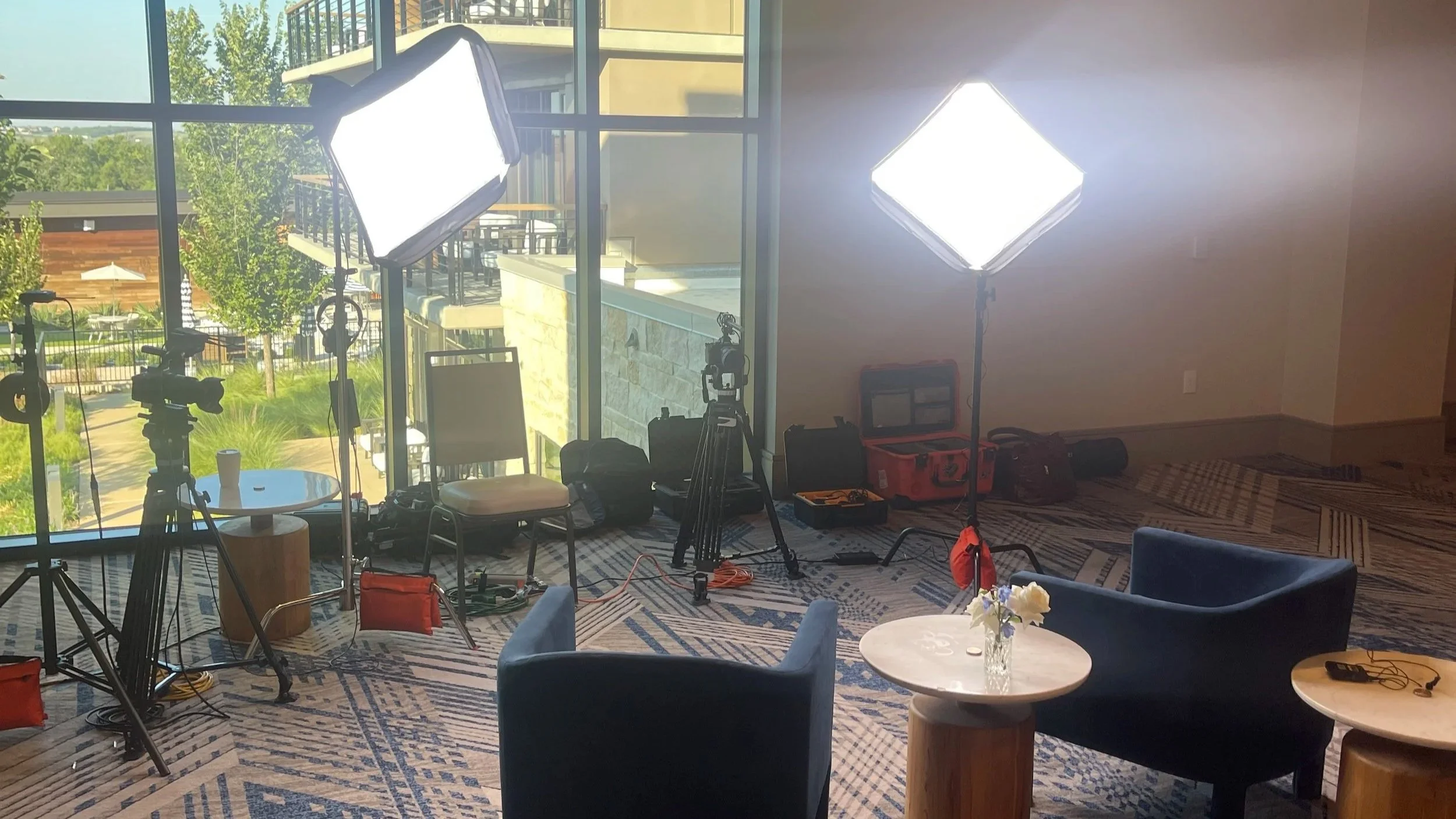
Floor interviews in the common area with speakers and attendees
All of this turned over within 12 hours so their in-house team could start editing and pushing content to clients and social channels
In other words: this wasn’t our typical brand film project or a one-off sizzle reel. It was high-volume, high-stakes documentation. The value wasn’t in any one video, but rather a deep library of talks and insights they could repurpose for years.
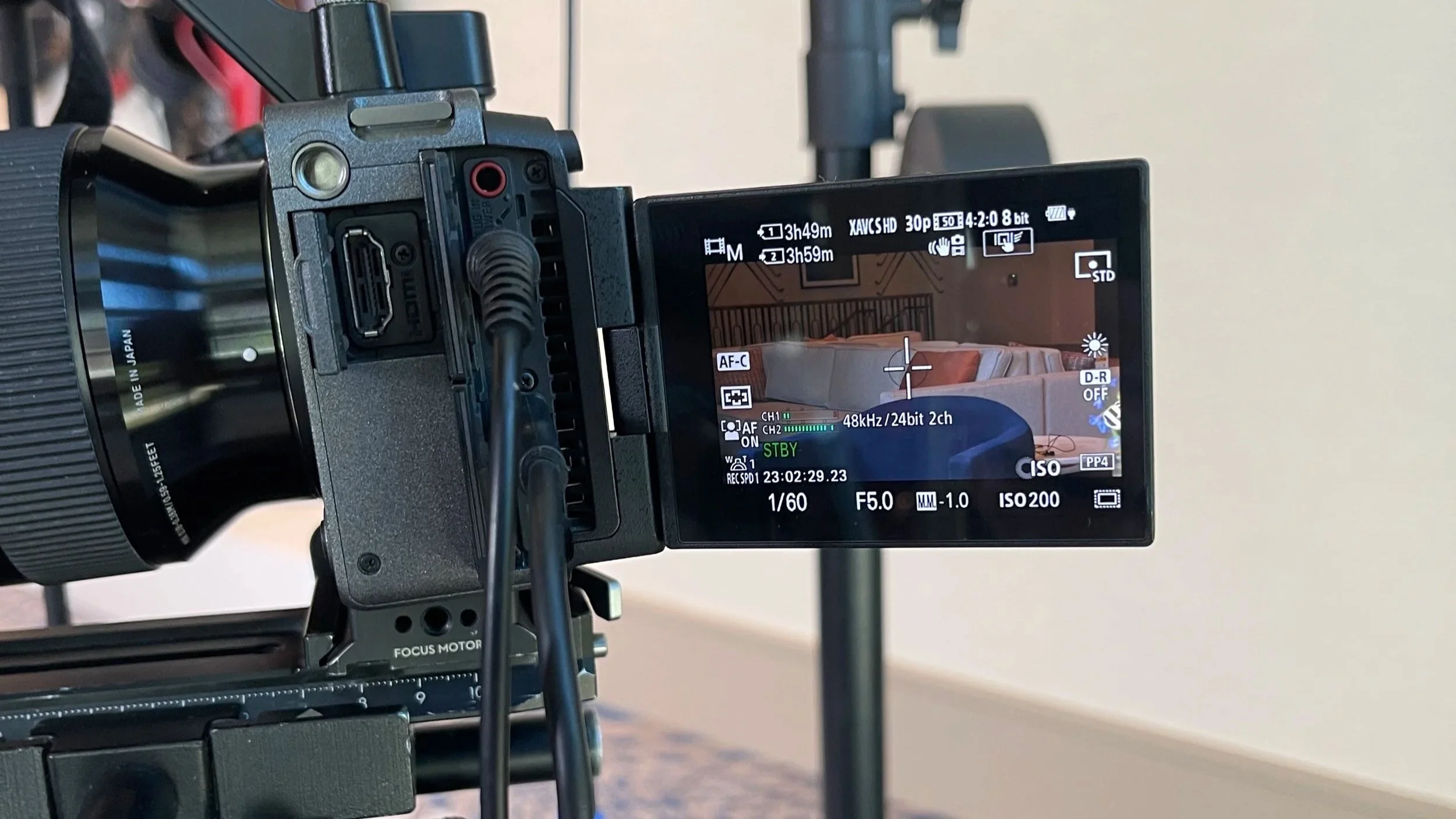
That context is why the camera settings in the BTS video look ‘neutered’ — if you’ve watched enough YouTube gear tests, that may have raised some red flags for you. On a job like this, technical flexing loses to reliability, file sizes (everything was uploaded via frame.io), and workflow.
Why we intentionally under-spec’d the cameras
On paper, a cinema camera like the Sony FX3 is ‘supposed’ to be used at 4K, with Sony’s S-Log 3 gamma curve boosting dynamic range, and often with the signal being routed out of the HDMI into an external recorder, such as the Atomos Ninja, recording in ProRes RAW. This is how you squeeze every last drop of color richness, detail, and grading flexibility.
The total damage, at the end of the job, was around 1.5 TB.
The problem: at a conference, where we’re recording 10+ hours of video, per camera, that spec is often the worst tool for the job. It would have more than quadrupled file sizes (and a 10-20x increase when shooting RAW), which is impractically large for cloud uploads and fast turnarounds. The real-world consequences of this:
Longer media offload times at wrap
Heavier strain on Asset TV’s storage and backup systems
Slower editors, just scrubbing and transcoding and color-grading footage before they ever start making story-level decisions
More potential points of failure when drives get passed around or shipped
Asset TV’s priority was speed and usability. They needed their editors working immediately, not babysitting progress bars. So we shot in (brace yourself):
1080p resolution, 30 frames per second
Rec.709 colors baked-in
8-bit 4:2:0 chroma subsampling
For financial content that will ultimately be watched on laptops, phones, and embedded players — not to mention audio-only playback — this is still more than sufficient quality. We take for granted what today’s sub-$3K cinema cameras can capture, and we forget that, 15-20 years ago, this level of quality would be overkill, given the technological limitations of the 2000s. The ROI comes from right-sizing the format to the actual use case.
The hidden costs of cameramaxxing
YouTube gear reviewers, content creators, and business owners are often told (by companies who want to sell them cameras) to chase specs: 8K, RAW, 12-bit 4:4:4 subsampling, logarithmic gamma curves, and so on. But every technical upgrade comes with invisible line items:
Storage costs: Larger resolutions and higher bitrates mean more memory cards, more hard drives, and slow upload speeds.
Labor costs: Someone has to manage that data, back it up, verify it, and move it.
Opportunity costs: The more time everyone spends just handling footage, the less time they spend actually creating.
For our client, the real risk was never “what if it isn’t 4K?” — it was: “what if the edit bogs down so much that it delays content delivery by weeks?
By dialing back our settings, we traded a level of negligible image quality for:
Faster handoff to the client
Less friction for their editors
More time available for actual storytelling and distribution
That is ROI you can feel: in your team’s schedule, in the momentum of your marketing, and in the energy of everyone involved.
What the client really bought
Yes, there were cameras and mics and lights and tripods, but the actual product Asset TV walked away with was:
Coverage they could trust. Two rooms, all sessions, three angles each, plus floor interviews. No gaps. No missed moments.
Audio that’s actually usable. Clean feeds from the stage, lav mics on interviewees. They’re working with material they can publish, not rescue.
Files their editors could open and cut the same day. No mystery codecs, no guessing at picture profiles, no color correction needed — no headaches.
A library of insights. Each session and interview can have up to 10 value-rich clips for ads and organic content, and long-form sessions can be published in their entirety. That’s content our client, and their partners, can share on their channels for months and years.
From the outside, conference capture is pretty standard stuff, and we do jobs like this all the time. Inside the project, the value is in the systems: planning, camera placement, exposure choices, audio routing, and data management that mean the client doesn’t have to think about any of it. They just receive organized footage and get to work.
That’s also ROI: zero stress on their end.
How this kind of coverage serves your event long after the last session
If you host a conference, forum, or annual meeting, high-quality capture is more than, “we recorded the talks.” Done well, it becomes:
Lead-generation assets. Pull key clips into landing pages and follow-up sequences for next year’s event.
Thought-leadership content. Give your speakers and sponsors stories, insights, and wisdom — via video — they’re proud to share, which in turn boosts your brand.
Training material. Internal teams can rewatch sessions, onboard new hires, and keep learning long after the chairs are stacked.
Proof of experience. When you pitch future sponsors or partners, you’re not just promising a great event; you’re showing them what they can plug into.
All of that depends on capturing the event in a way that is robust and practical. The right technical decisions upstream determine whether your footage becomes a rich content library or just an over-spec’d archive no one has time to touch.

If you’re planning a conference or live event
When we come to cover an event like the FIN Forum, the question isn’t, “How cinematic can we make this?” — instead, it’s:
What will make this footage most valuable to you three days, three weeks, three months, three years, from now?
Sometimes that means 4K log and a full post-production pipeline. Sometimes, like here, it means deliberately choosing lighter formats, keeping the look clean and consistent, and making sure your team can start cutting the moment the last attendee walks out.
If you’ve got an upcoming conference or event and you want video coverage that your editors, partners, and marketing team will actually enjoy working with, that’s the conversation to have: goals, workflow, and ROI from the editor’s point of view, not just the camera’s.
You bring the people and the ideas. We’ll bring the systems that turn them into usable, stress-free footage your audience can keep learning from long after the event ends.
